top of page
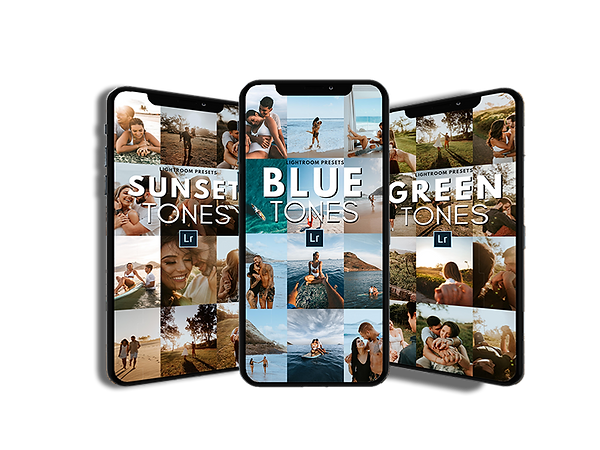
What are presets and how do they work?
These are professional photographic editions that you can apply to your photos with just one click. With presets you can change color and lighting easily and quickly with just one click.
How to use the presets?
Installation is quick and easy and can be used on iPhone, Android or computer
Step 1: Buy and download our pack with 110 presets divided into pack 1 and pack 2
Step 2: Download the lightroom app for free on your mobile phone or computer
Step 3: Import our presets and use them on your photos as many times as you want
-2.jpg)
.jpg)


Below are a sample of what the 110 Presets look like and how they manage to make any type of photo look professional.
+ Bonus Lightroom Course
Along with the presets, we send a video lesson teaching how to install, apply the presets and also how to use Lightroom, adjusting the colors, lights, sharpness and all the program's functionalities. Works on Android or iPhone
110 presets are included (pack 1 and 2) + Lightroom course
De: 147,00
-
All 110 presets ( PACK 1 and PACK 2 )
-
Installation video for iphone, android and PC
-
110 presets for android
-
110 presets for iphone
-
110 computer presets
-
complete lightroom course
-
24h support
R$
47,97
ou 5x de R$ 10,44
for a limited time
bottom of page